fb
February, May, & September Admissions Open Apply Now
Search
Search by area of study

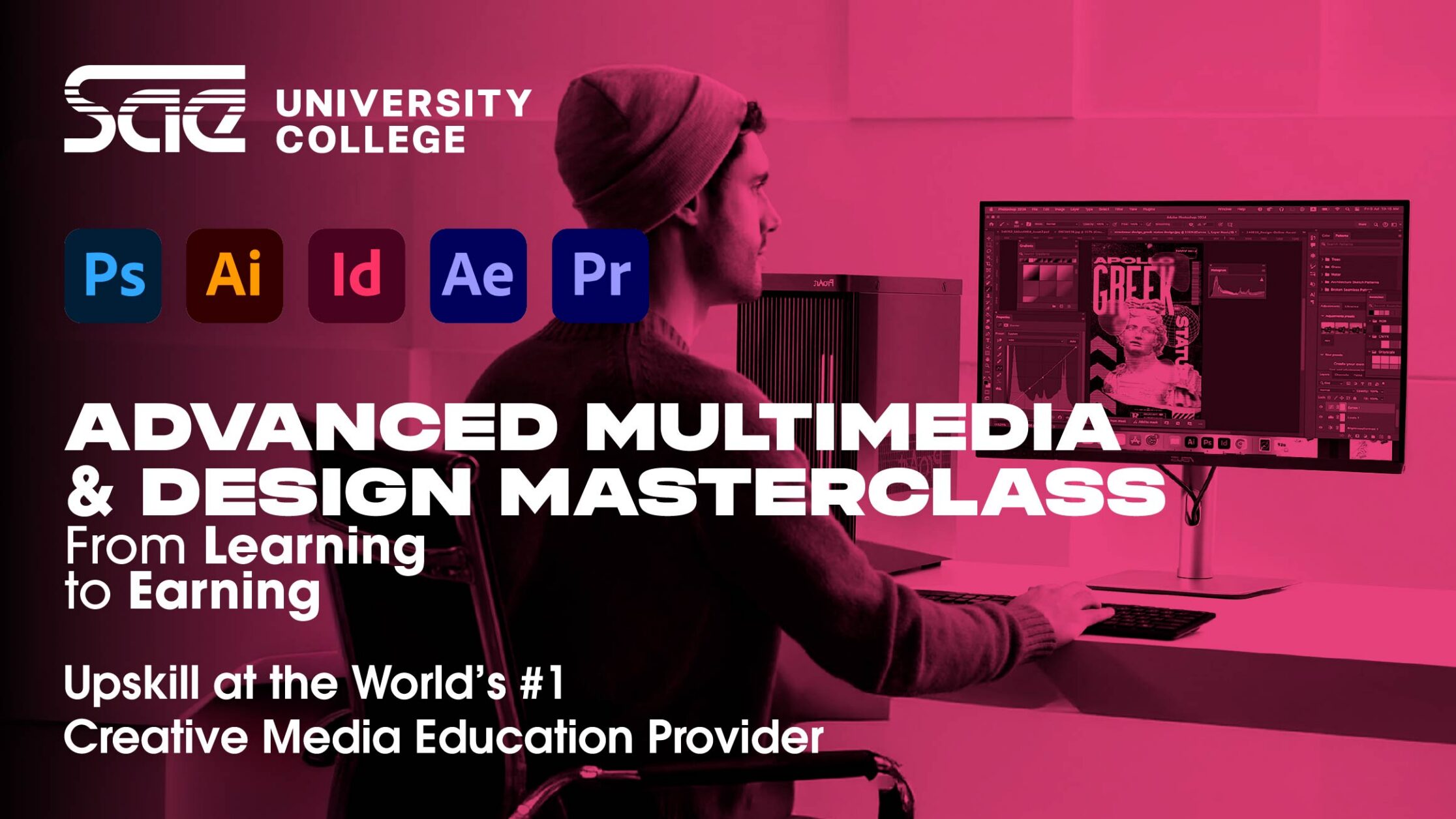
Advanced Multimedia & Design Masterclass

What’s next for your design career? Let this advanced course be your creative breakthrough!

Delivery Method
Next Starting Date
Days
Timings
Duration
Online/On-Campus
31 March 2026
Tue & Thu
6PM - 9PM
7 weeks
Online/On-Campus
28 April 2026
Tue & Thu
6PM - 9PM
7 weeks


OVERVIEW

The Advanced Graphic & Multimedia Design course offers in-depth training in branding, motion graphics, packaging, and digital media. Learn to use professional tools and techniques to create compelling, standout designs. Build a portfolio that highlights your advanced design skills and sets you apart in the competitive creative field.
  • 17 years and above
  • Designers looking to refine their skills and take their work to a more advanced level.
  • Creatives who want to explore areas like branding, motion graphics, packaging, and digital media.
  • Professionals seeking to build a standout portfolio and stay ahead in the competitive design industry.
  • Adobe Illustrator
  • Adobe Photoshop
  • Adobe After Effects
  • Adobe Premiere Pro
  • Adobe InDesign
  • Session 1: Design Principles, Creative Thinking & Critique
    • Recap of beginner design principles.
    • Introduction to constructive critique and self-assessment.
    • Practice: Analyze and improve an existing design.

    Session 2: Advanced Typography Techniques

    • Exploring typographic grids, hierarchy, and spacing.
    • Custom type creation and variable fonts.
    • Practice: Create a typographic poster for an event or an editorial spread with advanced typographic arrangements.

    Session 3: Advanced Illustrator Skills

    • Using advanced Illustrator tools and trends.
    • Working with 3D vectors and materials.
    • AI-powered tools
    • Practice: Design a complex vector infographic.

    Session 4: Branding Beyond the Basics

    • Building brand guidelines: Logo systems, color usage, typography, and applications.
    • Ensuring brand consistency across platforms: print and digital.
    • Practice: Extend a brand identity created in the beginner course with packaging, merchandise, and social media templates.

    Session 5: Advanced Photoshop Techniques

    • Advanced image manipulation and current trends.
    • Working with 3D objects and advanced layer styles.
    • AI-powered tools
    • Practice: Create a cinematic movie poster using advanced Photoshop techniques.

    Session 6: Introduction to Motion Graphics (After Effects)

    • Overview of After Effects: Interface, keyframing, and basic animation.
    • Creating animated logos and kinetic typography.
    • Practice: Animate a logo or branding element from a previous session.

    Session 7: Designing for Digital and Social Media

    • Understanding digital specifications: resolutions, ratios, and responsive design.
    • Creating engaging social media campaigns and carousels.
    • Practice: Design a multi-platform campaign for a product or event.

    Session 8: Work-in-Progress Review & Feedback

    • Students will present their work for the first round of critiques.
    • Aimed at identifying any design challenges or issues early on in the project.
    • Focus on refining concepts, techniques, and overall direction.

    Session 9: Introduction to Video Editing (Premiere Pro)

    • Overview of Premiere Pro: Timeline, transitions, and essential tools.
    • Editing basics: Cutting, sound syncing, and adding effects.
    • Practice: Edit a 1-minute promotional video or product showcase.

    Session 10: Packaging Design

    • Design for 3D objects: Creating die-lines and mockups.
    • Exploring eco-friendly and innovative packaging trends.
    • Practice: Design and visualize packaging for an existing or new brand.

    Session 11: Interactive and Digital Publications

    • Advanced InDesign techniques: Creating interactive PDFs and adding multimedia.
    • Digital storytelling: Incorporating hyperlinks, animations, and videos.
    • Practice: Design an interactive magazine layout.

    Session 12: Portfolio Building

    • Curating work from both beginner and advanced courses.
    • Tips for presenting work to clients or employers.
    • Practice: Create an individual portfolio.

    Session 13: Final Refinement & Corrections

    • Students will present their work for the last round of critiques.

    Session 14: Capstone Project Showcase (1 week after previous session)

    • Final presentation: Students pitch their projects, including branding, digital media, and motion graphics components.
    • Feedback session with the instructor, or more peers if available.
    • Discussion: Career paths, freelancing tips, and next steps in the industry.
Pixi Mascot
Hi, I am Hermes! Chat with me about anything related to SAE!