


fb
February, May, & September Admissions Open Apply Now
Search
Search by area of study

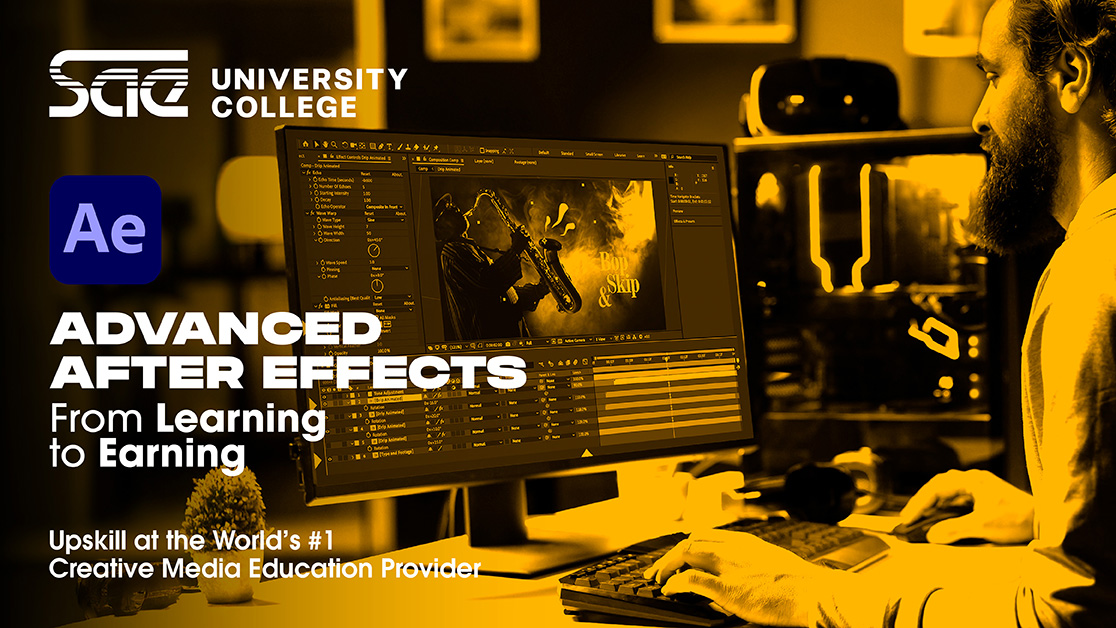
Advanced After Effects

Want to master motion graphics and visual effects? Join this intensive After Effects course to sharpen advanced skills in animation, expressions, keying, compositing, and 3D integration.
Advanced After Effects Short course

Course Fee
Next Starting Date
Days
Timings
Duration
AED 4250 excluding VAT
26 January 2026
Mon & Wed
6PM - 9PM
5 weeks


OVERVIEW

This advanced After Effects course prepares motion designers, animators, and VFX artists to work at a professional level through ten focused sessions. Students learn precision animation with the Graph Editor, dynamic rigging through expressions, complex vector and text animation, and expert keying and rotoscoping. The training also covers high level VFX creation, particle work, template editing, and 3D integration inside After Effects. By the end, participants build a polished one minute title sequence that showcases industry standard motion graphics, compositing, 3D lighting, visual effects, and color grading.
  • For ages 17 and above
  • Motion designers looking to refine professional-level animation skills
  • Animators seeking advanced techniques in keyframing, expressions, and rigging
  • Visual effects artists aiming to master compositing, particle effects, and 3D integration
  • Creatives wanting to produce industry-standard title sequences and cinematic visuals
  • Adobe After Effects
  • Adobe Photoshop
  • Session 1: Graph Editor & Advanced Animation
    Master the Graph Editor for precise motion, including overshoot, anticipation, follow-through, and animating along custom 2D/3D paths with velocity control.


  • Session 2: Expressions for Automation Part 1
    Learn core expressions like wiggle(), loopOut(), and time to automate animations. Use the pick whip to link properties and build dynamic rigs.


  • Session 3: Expressions for Automation Part 2
    Advanced rigging with expressions: master controls, layer.index, sourceRectAtTime(), and data-driven animations to manipulate multiple properties efficiently.


  • Session 4: Advanced Shape Layers & Vector Animation
    Create intricate vector animations using Trim Paths, Pucker & Bloat, Wiggle Paths, and Repeater for generative art and abstract motion.


  • Session 5: Advanced Text Animators & Kinetic Typography
    Design sophisticated kinetic typography, link text to layers or audio via expressions, and explore flowing, revealing, or waveform-reactive text effects.


  • Session 6: Keying & Rotoscoping
    Professional green/blue screen keying with Keylight, plus Roto Brush and Refine Edge techniques for isolating subjects from complex backgrounds.


  • Session 7: Advanced VFX & Special Effects
    Create impactful visual effects with particle systems, explosions, smoke, fire, rain, and light effects using built-in tools and third-party plug-ins.


  • Session 8: Using 3rd Party Templates
    Learn to download, unpack, and customize templates for agency or freelance workflows to meet client requirements efficiently.


  • Session 9: 3D in After Effects
    Work in the native 3D workspace: extrude text/shapes, animate cameras and lights, use PBR materials, shadows, and shadow catchers for realistic 3D integration.


  • Session 10: Exam Project
    Produce a one-minute title sequence incorporating: advanced motion graphics, keying/rotoscoping, 3D elements, visual effects, and consistent professional color grading.

Available On-Campus


Pixi Mascot
Hi, I am Hermes! Chat with me about anything related to SAE!